The three layers
You see how Research Mate keeps the why, the screen and the process in one stack, and why that lets you answer "why is it like this?" in one click.
Every product decision has a why, a what and a how. Research Mate keeps all three together, with the screen in the middle.
Why, interface, process
- Why (above). What you learned from people: quotes from transcripts, grouped into themes, summed up as insights. This is reading, not drawing.
- The interface (home). Your prototype: screens, and the buttons and text on them. This is where a stakeholder spends most of their time.
- The process (below). How the service works behind the screen: process diagrams, service blueprints and journey maps.
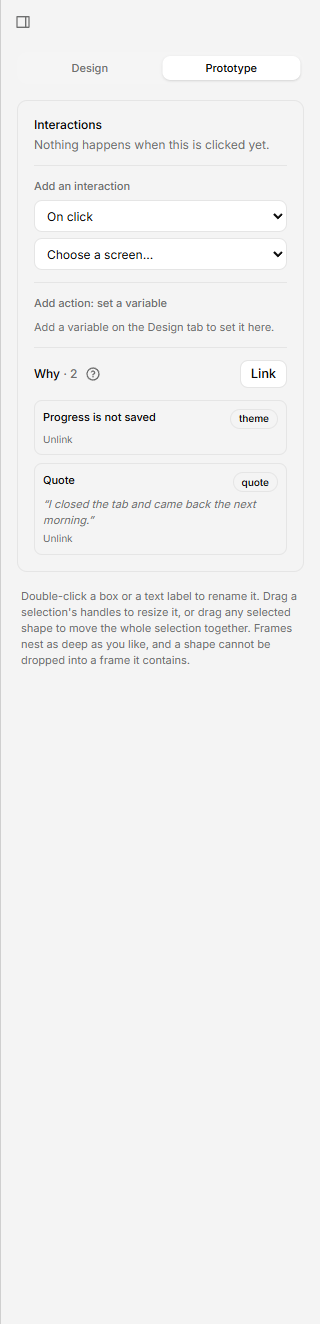
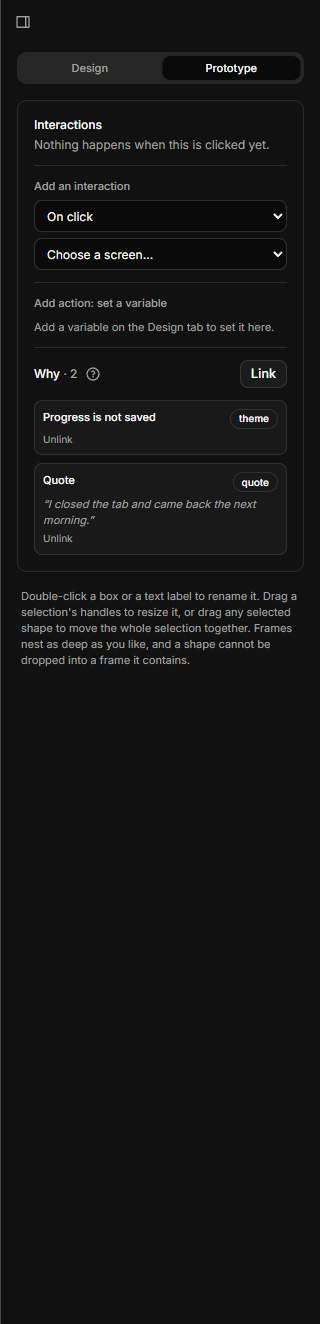
Connect the layers
You connect them from the screen.
- Select any element on a screen. In the Prototype tab, Link it up to the evidence behind it: an insight, a theme or a quote.
- Select a screen. In Logic, choose Link a step… to link it down to the process step it carries out.
In Present you click through the prototype as normal, and the reason is always one keypress away: ↑ for why, ↓ for how. The rail on the left names the layers Why, Interface and Process.
Where affinity boards fit
Affinity boards sit with the research. They are where quotes become themes, so they feed the Why layer rather than linking to screens.
Two limits to know
- Evidence links to prototype elements, not to process steps. A process step only shows which screens implement it, under Implemented by.
- You can link only to research in the same project.
Start with the Quick start, or look up a word in the Glossary.