Copy shapes out of a version
You get shapes from an earlier version back on today's board, without putting the whole board back.
Open a version
- Click Versions at the top right of the board.
- Click Open on a row, under Saved or History.
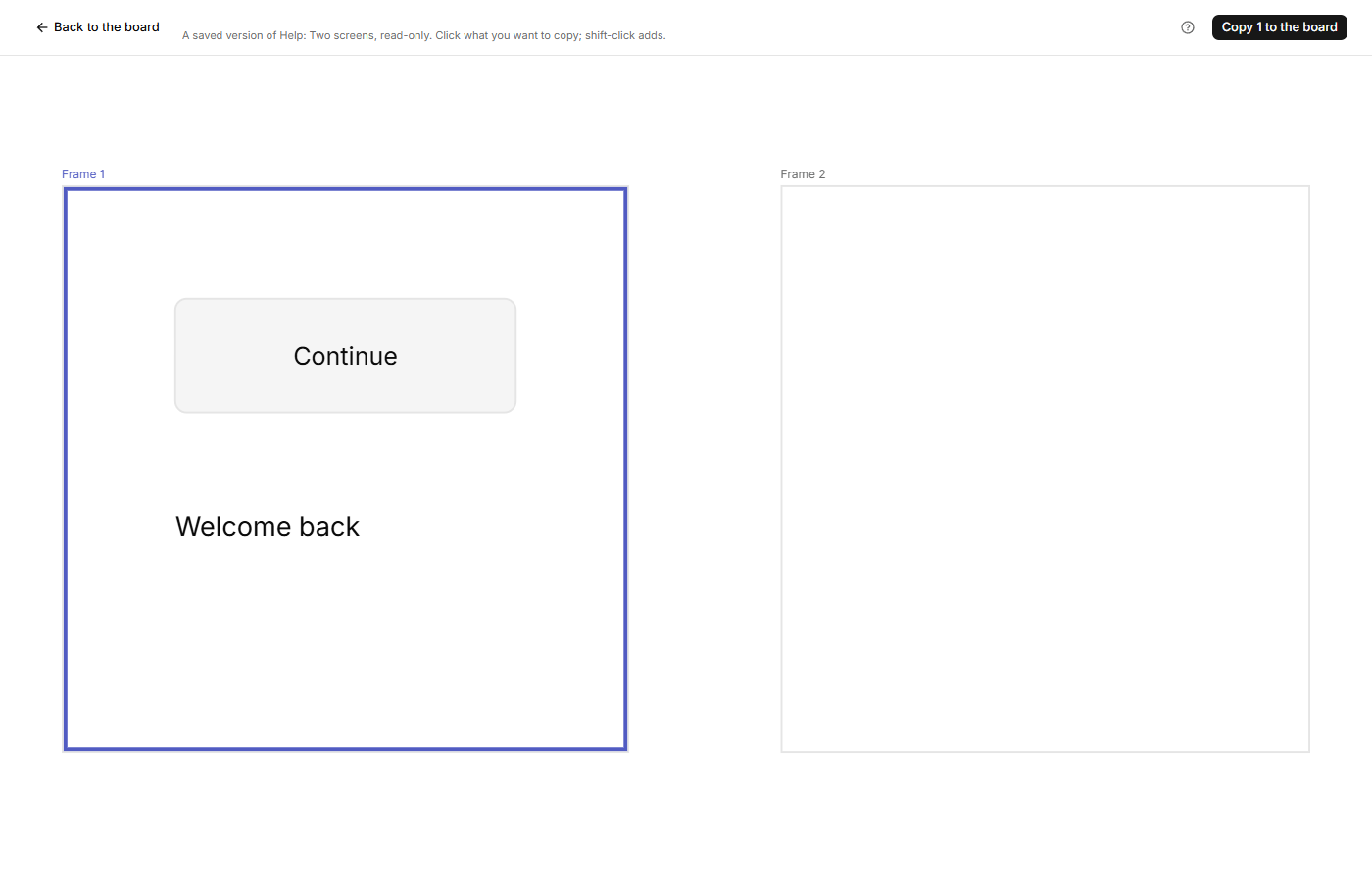
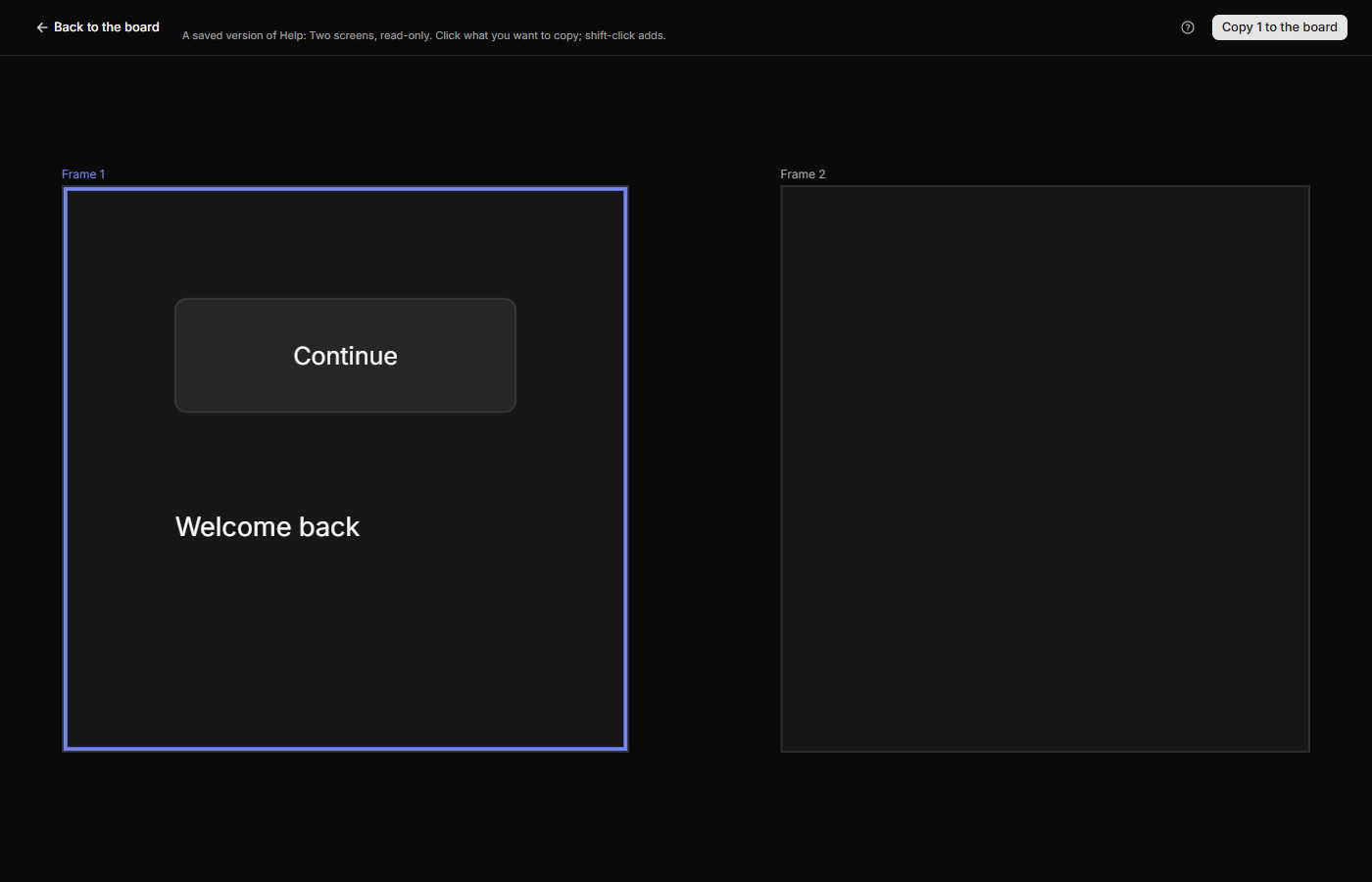
The version opens on its own page, drawn as it was and read-only, for every kind of board. Nothing on it can be moved or changed. Drag, or scroll with two fingers or the wheel, to move around, and pinch or hold Ctrl/Cmd and turn the wheel to zoom. The header has Back to the board. A deleted board's versions open only after you restore the board: see Delete and restore a board.
Pick and copy
- Click a shape to select it, and Shift+click to add another or take one out. Click empty canvas to clear the selection. On a prototype a click takes the innermost shape; click a bare part of a frame to take the whole frame.
- Click Copy 1 to the board. The number is how many you picked, and the button is greyed out at 0.
When it has copied, you land back on the board. A refused copy writes nothing and keeps you on this page, with the message.
What comes back
- A frame comes with everything inside it, and a cluster with its cards.
- A copy lands where it was in the version. If the original is still on the board in the same place, the copy sits exactly on top of it. If its frame or cluster is still on the board, it goes back in, at the same spot there. If that is gone, it lands at the top level.
- An arrow comes when one end is copied and the other end is copied or still on the board. Bands are not copied: a step keeps its band only if the band is still on the board.
- Links from a copied shape to a quote, theme, insight or step come back if that target still exists. Links from other shapes to it do not.
- An instance needs its component: copied with it, still on the board, or from a library. Otherwise the page says "Copy its component too."
- A component's master can't be copied on its own, and a component can't be copied with other shapes: the page says "Copying a component inside its set would make a variant, which is not built yet. Copy the set instead." or "Select the component on its own to copy it."
- A cluster keeps its theme only if that theme still exists and no cluster on the board is bound to it. Cards that land in a theme's cluster join that theme's quotes.
- The limit is 500 shapes at once, counting everything inside the frames and clusters you pick: "That is too many shapes at once (the limit is 500)."
Going back
There is no Ctrl/Cmd+Z for a copy. To go back, delete the copies, or restore the newest version from before the copy. The board takes an automatic entry under History before it writes, unless any version exists from the last 10 minutes. Restoring also undoes edits made after that version. See Save, name and restore versions.
If it doesn't work
- "Not copied: check your connection and try again." The request didn't finish. Check the board before you try again.
- "The shapes were copied, but their arrows could not be." The shapes are on the board, and you land on it. The message names what is missing, such as their research links.