Share components between boards
You get components drawn once, on one board, and placed on any other prototype board in your organisation, so a button looks the same everywhere.
Make the components first: see Make a reusable component. Only a prototype board can be a library.
Make a board a library
- Open the prototype board that holds the components.
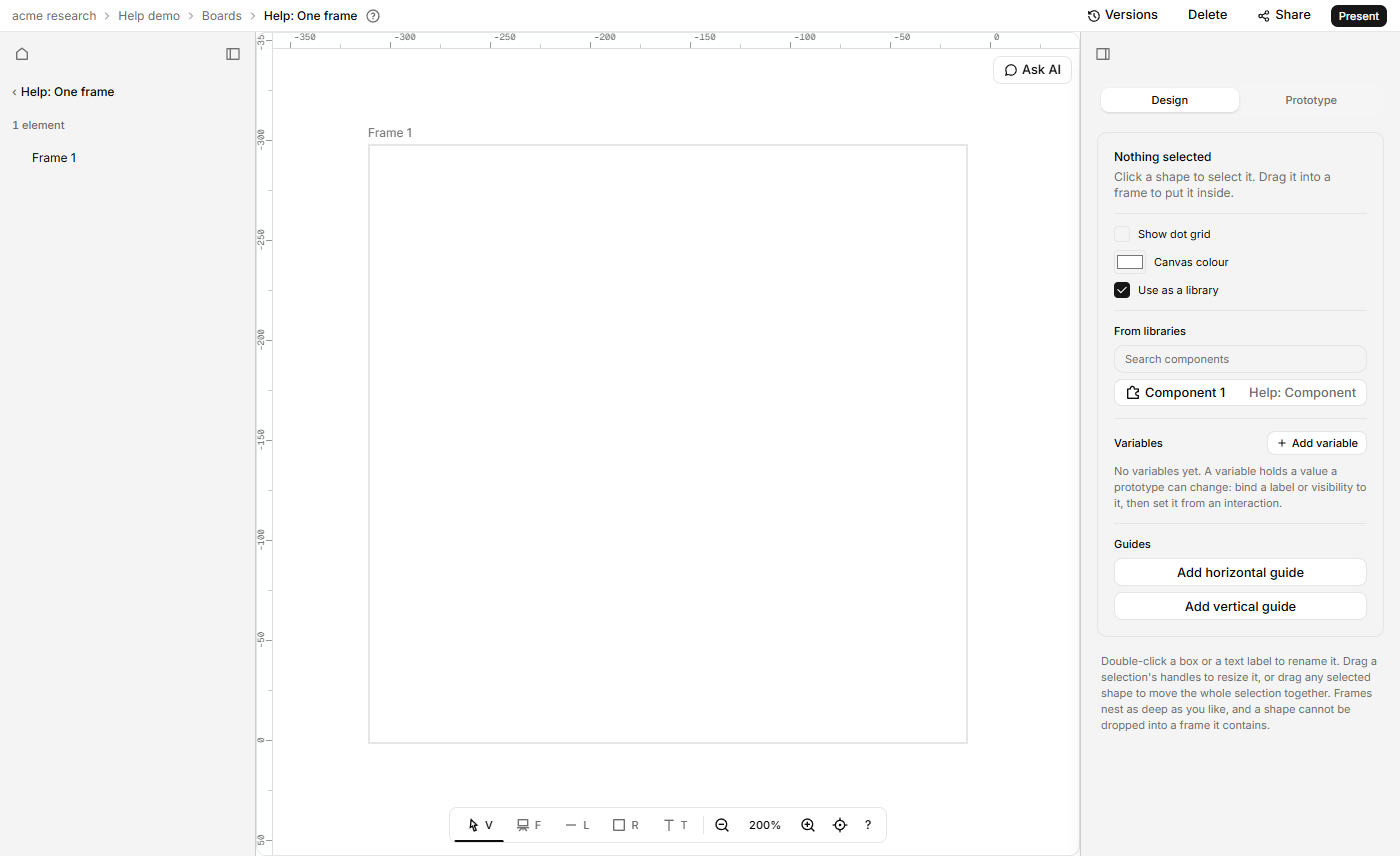
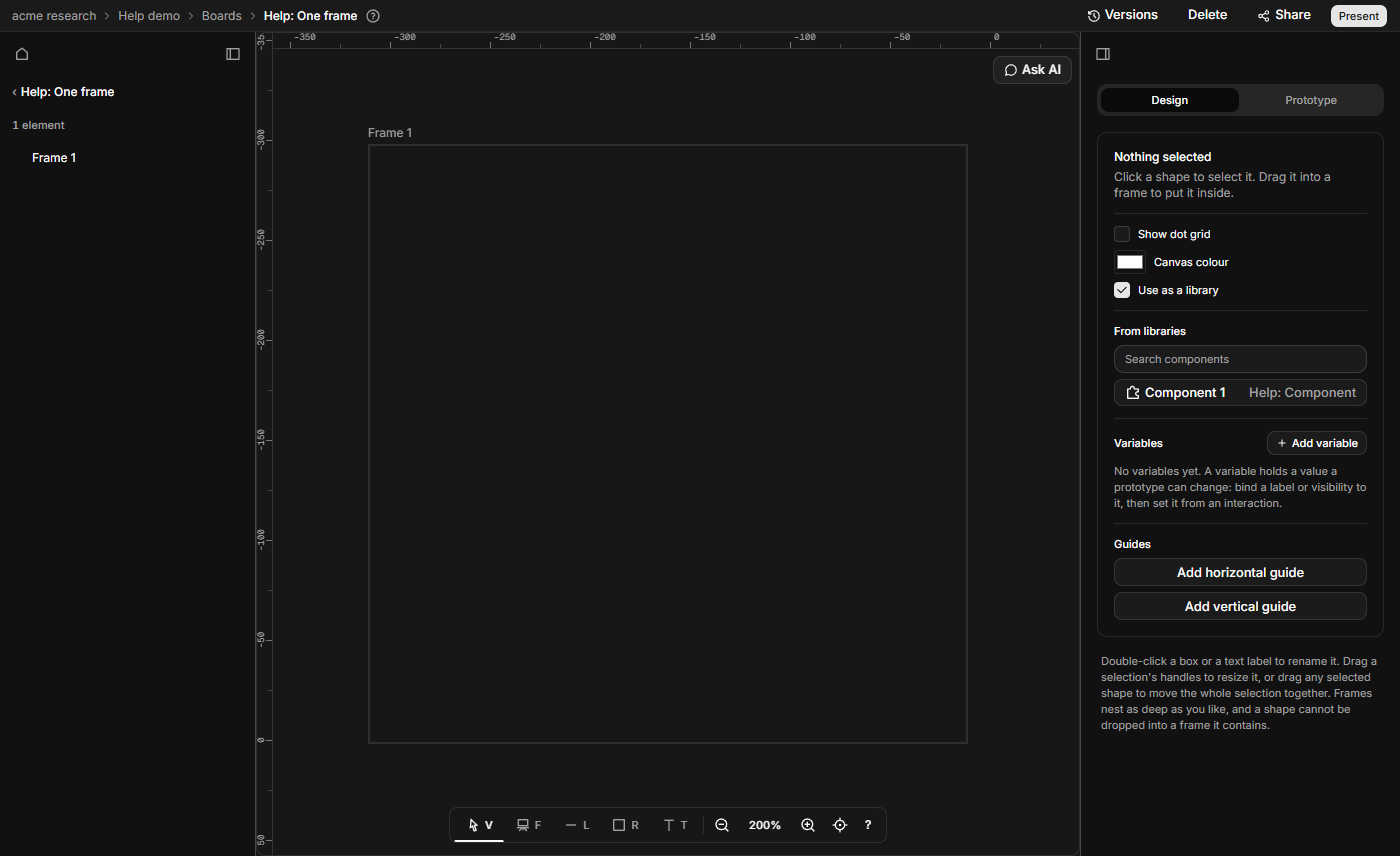
- Click empty canvas so nothing is selected. In the Design tab, tick Use as a library.
It saves at once. Its components are now on offer to every other prototype board in your organisation, in this project or another. Anyone in the organisation can tick or untick it.
Place a component from a library
- Open the board that needs it. Click empty canvas so nothing is selected.
- In the Design tab, find From libraries. Type in Search components to narrow the list by component or board name.
- Click the component. Each row shows the component's name, then the name of the board it lives on.
The copy lands in the middle of what you can see, selected. It works as any instance does: see Make a reusable component.
The list says "No library boards in this organisation yet." when no library board has a component to offer, and "No matches." when the search finds nothing. A board's own components aren't listed on it.
Drafts can place your components
Ask AI can place a library's components when it drafts a prototype: pick the library under Sources. The copies are the same as ones you place by hand, with the same "From …" line. A draft never changes the library board itself.
Go back to the library
Select the copy. The Design tab says "From …" with the library's name, and Open library opens that board. While the library board is deleted, the whole line is gone. Edit the original there and every copy, on every board, follows.
Stop sharing
Untick Use as a library. Nobody can place new copies from it. New drafts from Ask AI stop using it too. Copies already placed keep working and keep their "From …" line. That doesn't make the board safe to delete: placed copies still depend on it, and once it is unticked the Delete dialog no longer warns about them.
Delete a shared component, or its board
- A component with copies on other boards can't be deleted. The board says "Frame 1 is used on 2 other boards: Checkout, Sign up. Delete or detach those copies first." It names the frame inside the component. The list is read when the board opens, so a copy placed since isn't in it: reload to refresh.
- Deleting the library board warns in the Delete dialog, while it is still ticked as a library: "Other boards using its components will show them as missing until you restore it." A missing copy draws as a dashed grey box with its name.
- Restoring an older version of a library warns "Boards using a component this version lacks will show it as missing." See Save, name and restore versions.
Restoring the board, or a version that has the component, brings the copies back.